Fotobuch mit KI erstellen
Stand: 8. November 2026
| Schritt | foto foto | CEWE | myposter | Journi | Memoirly | Aldi Foto | Lidl Fotos | meinfoto | Pixum | Popsa |
|---|---|---|---|---|---|---|---|---|---|---|
| Fotos auswählen | Ja | Ja | Ja | Nein | Ja | Ja | Ja | Ja | Ja | k. A. |
| Doppelte und unscharfe Fotos entfernen | Ja | Ja | k. A. | Ja | Ja | k. A. | k. A. | k. A. | k. A. | k. A. |
| Fotos sortieren | Ja | Ja | Ja | Ja | k. A. | k. A. | k. A. | k. A. | k. A. | k. A. |
| Seiten gestalten | Ja | Ja | Ja | Ja | Ja | Ja | Ja | Ja | Ja | Ja |
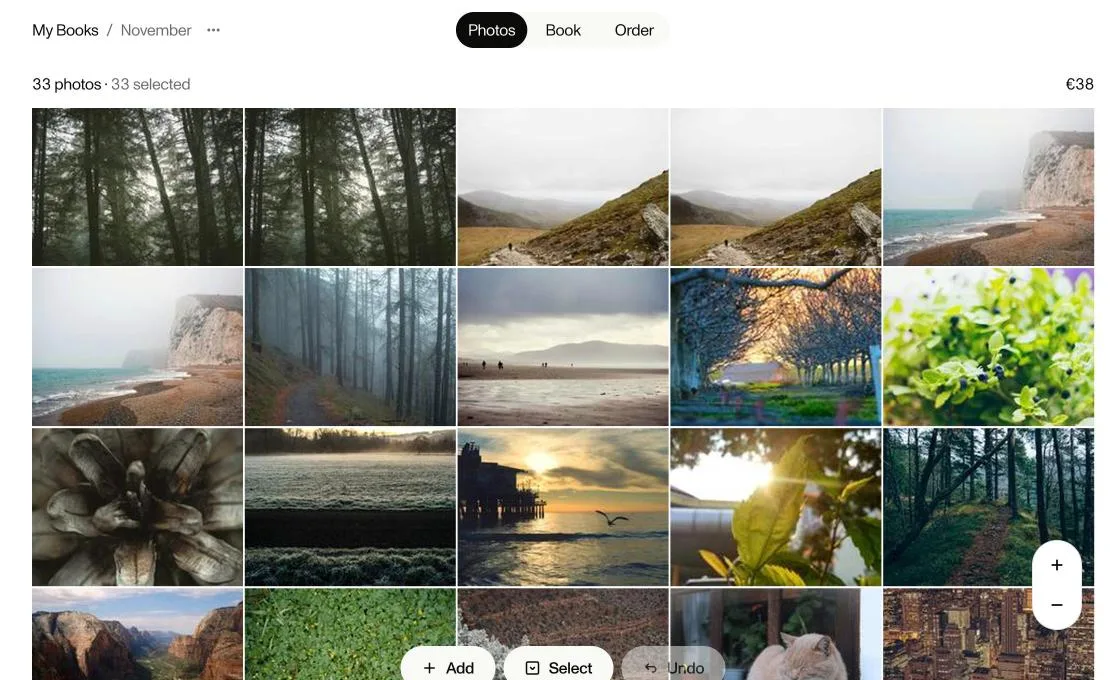
Der Test: 33 Fotos, 5 Editoren
33 Fotos: 30 verschiedene Fotos und 3 fast gleiche Doppelte, je um 3 % zugeschnitten.
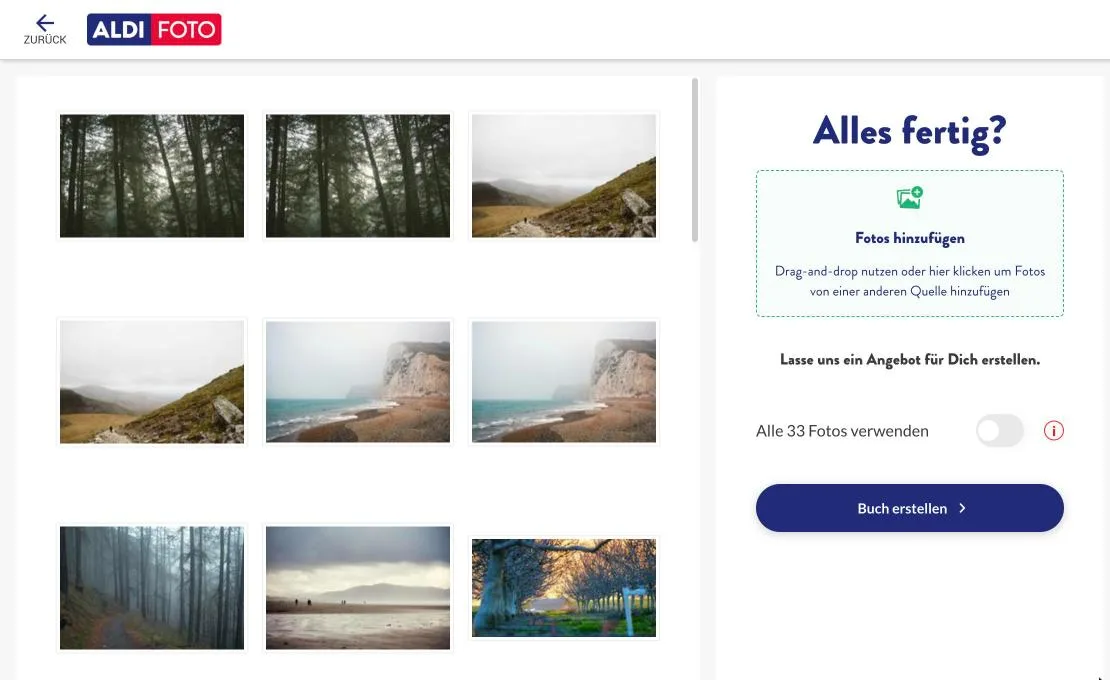
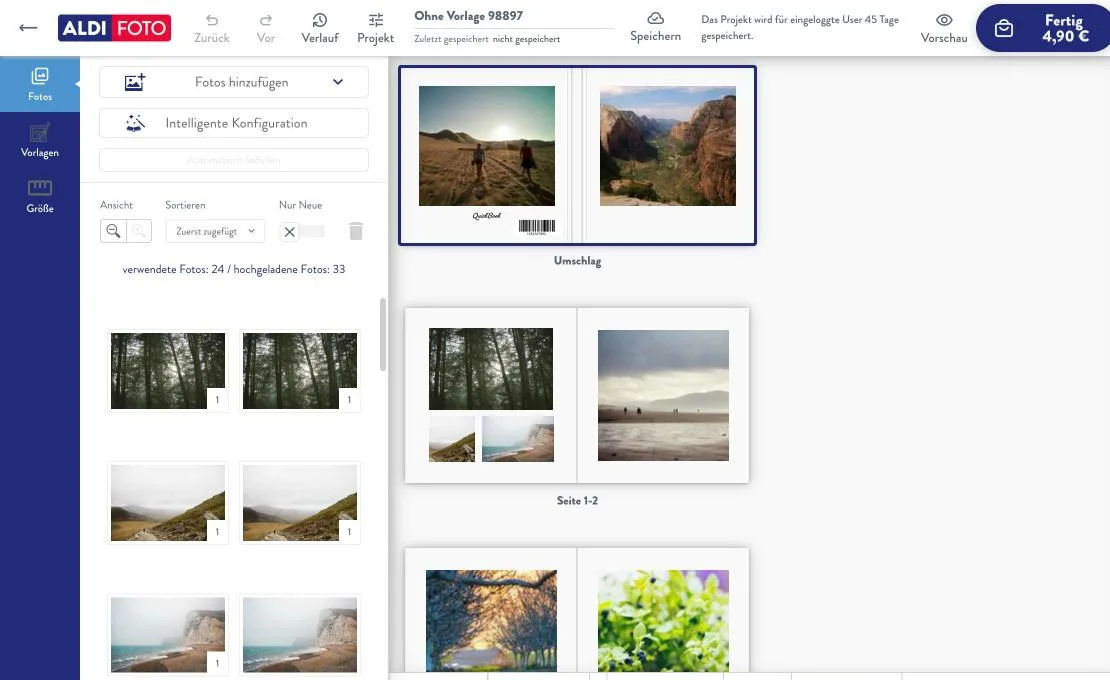
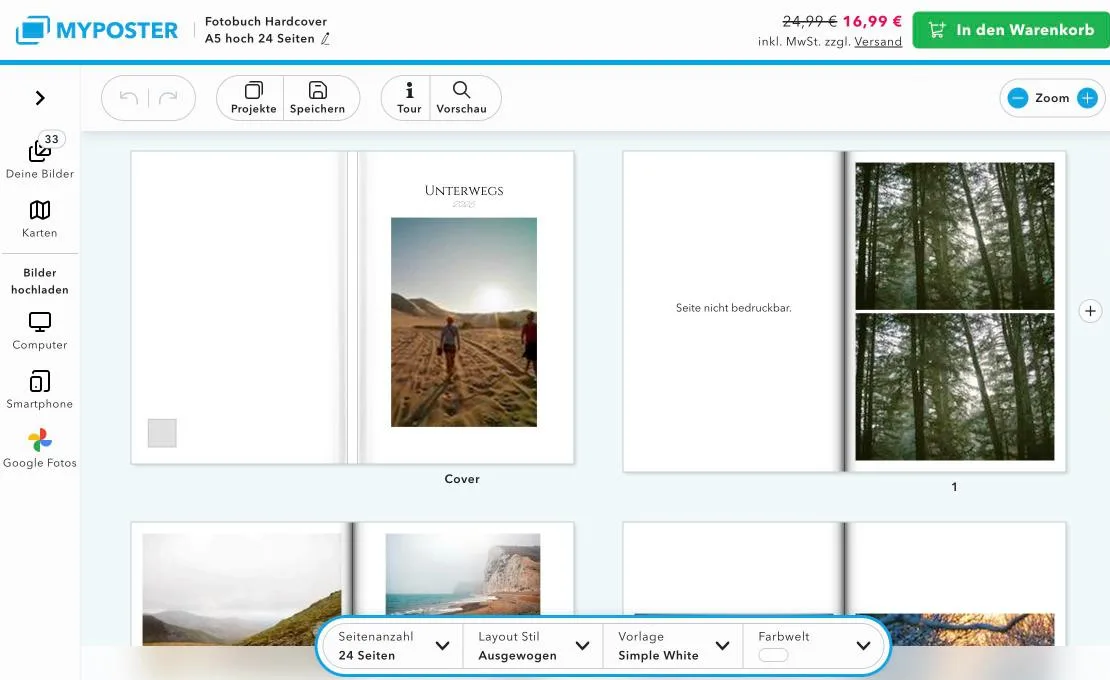
| Anbieter | Fotos im Buch | Doppelte im Buch (von 3) | Titel von selbst | Konto nötig |
|---|---|---|---|---|
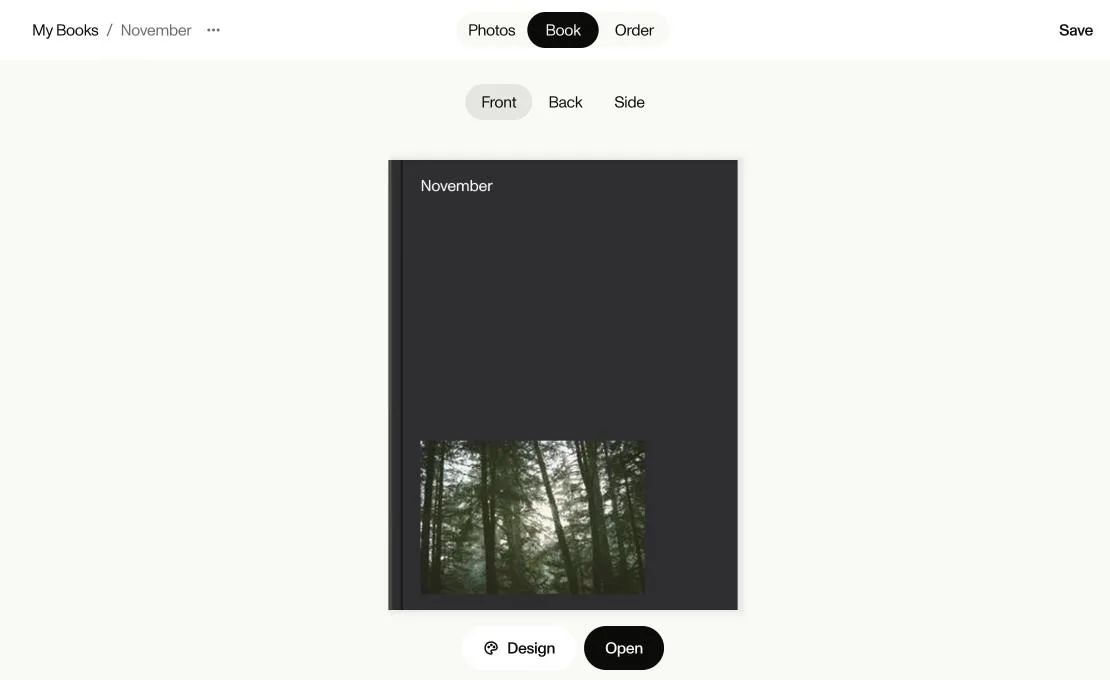
| foto foto | 33 von 33 | 3 | Ja, „November“ | Nein |
| Aldi Foto | 24 von 33 | 2 | Nein | Nein |
| Lidl Fotos | 24 von 33 | 2 | Nein | Nein |
| meinfoto | 24 von 33 | 2 | Nein | Nein |
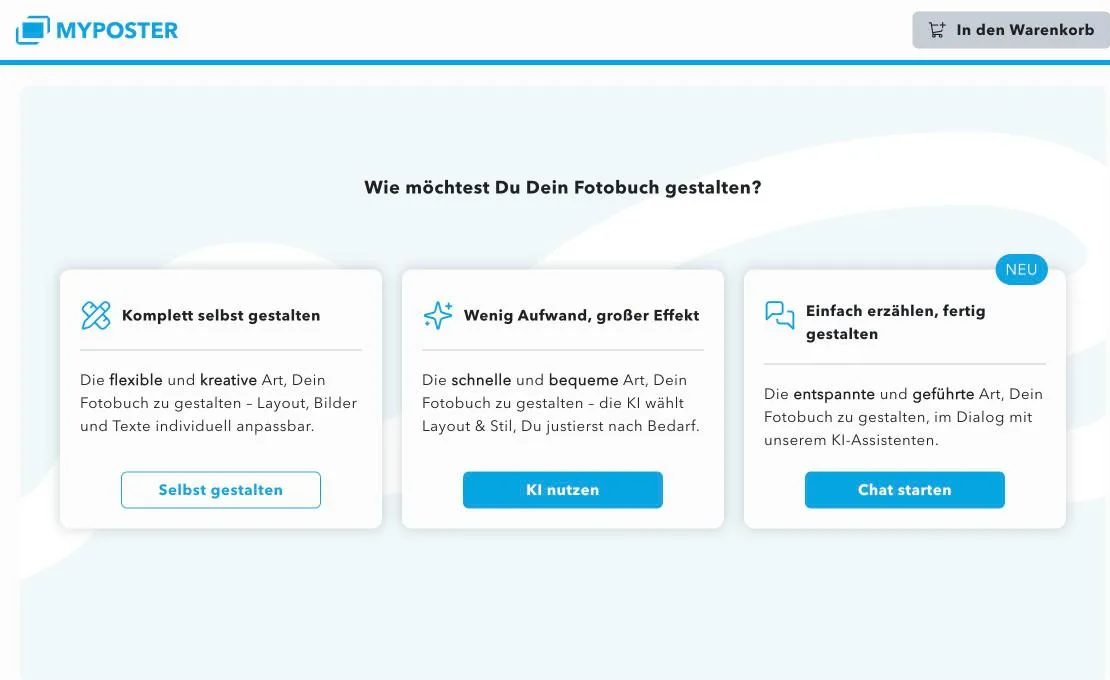
| myposter | 33 von 33 | 3 | Ja, „Unterwegs“ | Nein |
So oft wird „fotobuch mit ki erstellen“ gesucht
Google-Suchen in Deutschland im Dezember
- 2023170
- 2024590
- 20252.900
Alle 66 Suchanfragen mit „Fotobuch“ und „KI“ zusammen: 10.120 im Dezember 2025. Quelle: Google Ads Keyword Planner, Deutschland.
Fragen
- Wie erstelle ich ein Fotobuch mit KI?
- Du lädst deine Fotos hoch. Die KI wählt die besten aus, entfernt Doppelte, sortiert sie und gestaltet die Seiten. Danach änderst du, was du anders willst, und bestellst.
- Wie viele Fotos brauche ich für ein KI-Fotobuch?
- Lade alle Fotos eines Anlasses hoch, auch Hunderte. Die KI wählt aus, du musst nicht vorher sortieren.
- Was kostet ein Fotobuch mit KI bei foto foto?
- 30,00 € für 24 Seiten, Versand nach Deutschland 7,00 €.
Quellen
Alle Angaben stammen von den Seiten der Anbieter selbst, abgerufen am 8. November 2026. „k. A.“ heißt, dass der Anbieter dazu nichts angibt. Rossmann Fotowelt und dm Foto beschreiben auf ihren Seiten keine KI-Funktion und sind deshalb nicht im Test.
- foto foto: https://fotofoto.app/en/automatic-photo-book
- CEWE: https://www.cewe.de/inspiration/schritt-fuer-schritt-zum-cewe-fotobuch-so-nutzen-sie-den-assistenten.html
- CEWE: https://www.cewe.de/service/preisliste-cewe-fotobuch.html
- CEWE: https://www.cewe.de/service/lieferversprechen.html
- myposter: https://www.myposter.de/ki-fotobuch
- myposter: https://help.myposter.com/hc/de/articles/5463406047889
- Journi: https://www.journiapp.com/de/e/fpki/
- Journi: https://www.journiapp.com/de/p/pb/hpb/
- Journi: https://www.journiapp.com/de/e/dbfgi/
- Memoirly: https://memoirly.de/so-funktionierts
- Memoirly: https://memoirly.de/fotobuecher
- Memoirly: https://memoirly.de/ki-fotobuch-vergleich
- Aldi Foto: https://www.aldifotos.de/fotobuecher/fotobuch-quick.jsf
- Aldi Foto: https://www.aldifotos.de/versand/
- Lidl Fotos: https://www.lidl-fotos.de/fotobuecher/fotobuch-quick.jsf
- Lidl Fotos: https://www.lidl-fotos.de/versand/
- meinfoto: https://www.meinfoto.de/fotobuecher-und-fotos/fotobuch-erstellen.jsf
- meinfoto: https://www.meinfoto.de/versand/
- Pixum: https://www.pixum.de/fotobuch
- Pixum: https://www.pixum.de/fotobuch/app
- Pixum: https://www.pixum.de/fotobuch/preise
- Pixum: https://www.pixum.de/service/lieferung-versand
- Popsa: https://popsa.com/de
- Popsa: https://www.popsa.com/de-de/produkte/fotobuecher/hardcover-fotobuch/
- Popsa: https://support.popsa.com/hc/en-gb/articles/360014619718